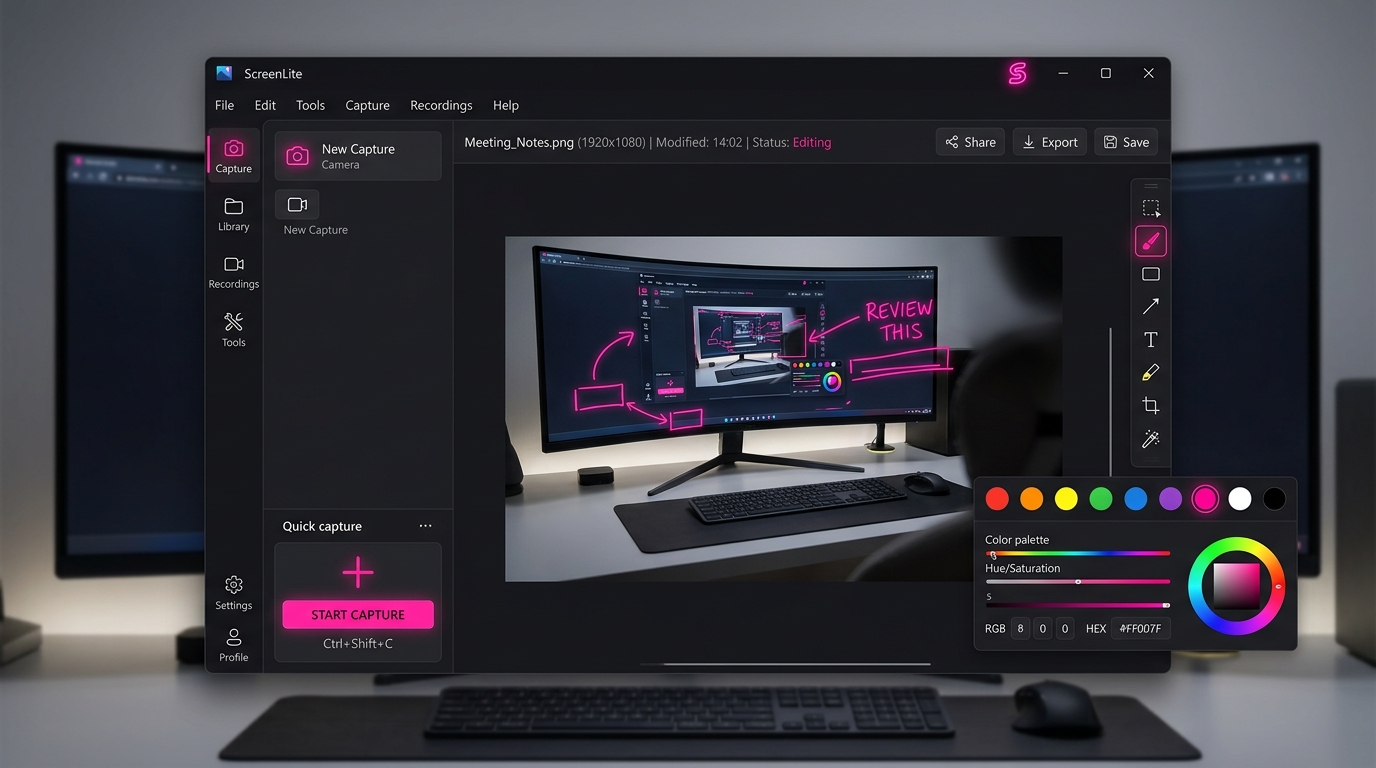
ScreenLite Recorder is a simple and powerful screen recorder made for everyday use. Capture your screen, a specific window, or anything happening on your desktop with just a few clicks.
Record tutorials, videos, presentations, online classes, meetings, demonstrations, and more. Preview your recordings instantly, capture screenshots, and keep everything organized in one place.
Record. Capture. Replay. — Simple, fast, and ready when you are.
🔒 100% Free 7-day trial. Formats: ScreenLite-Recorder-Setup.msix & ScreenLite-Recorder-Setup.exe
Built on Electron, React, and Vite for smooth low-latency capture and instant playback on Windows.
Record full screen or specific application windows with smooth frame rates and minimal system resource overhead.
Combine system audio with microphone input for crisp voiceovers, tutorials, and meeting recordings.
Review your recordings immediately after stopping capture with built-in playback controls and timeline scrubbing.
Extract high-quality MP3 audio tracks directly from your video recordings with a single click.
Generates WebM files optimized for seamless seeking and playback in VLC, Windows Media Player, and web browsers.
Engineered with Electron, React, and Vite for modern UI responsiveness, native performance, and 64-bit Windows support.
Seamlessly scales across multi-display setups, 4K displays, and mixed DPI screen environments on Windows 10 and 11.
Full access to all Pro features for 7 days. No credit card required, no account setup needed.
One flat rate. Lifetime ownership. No recurring monthly subscriptions.